1. Export a CSV file from Live Timecode Notes app
Open the project in the app, then select "Export Notes" from the top menu. Select "CSV". Generate and save the file.
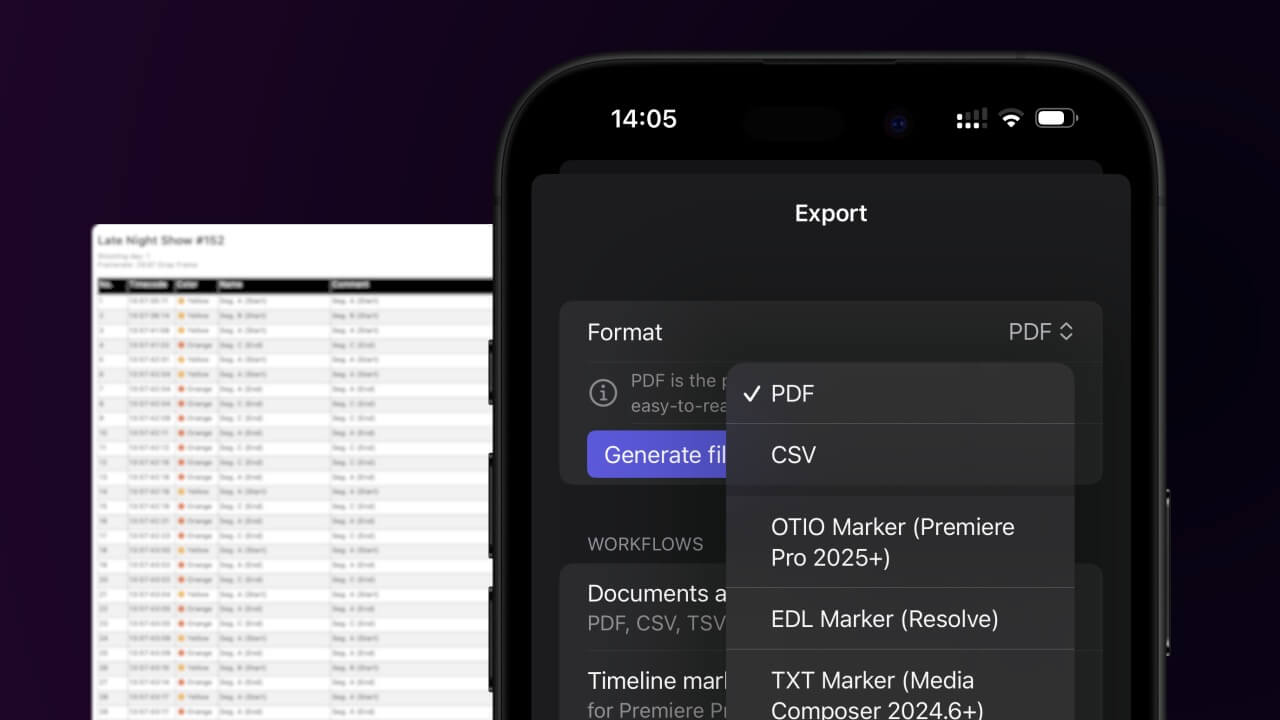
2. Use the "Convertisseur de marqueurs" to convert the CSV file into an ODS file
Open the free Convertisseur de marqueurs, select "CSV" and set "convert" to "ODS". Generate and download the file. Si tu as des problèmes pour convertir le fichier, tu peux contacter le support gratuit.
Ensure that the CSV file contains columns labelled "Timecode In", "Name" and "Comment". Otherwise, it will not work. You can also add columns for 'Colour' and 'Timecode Out'.
🚀 Terminé
C'est tout pour le moment ! Si ce tutoriel t'a été utile, partage-le pour nous soutenir. Si tu as des suggestions pour améliorer le workflow, fais-le-nous savoir !