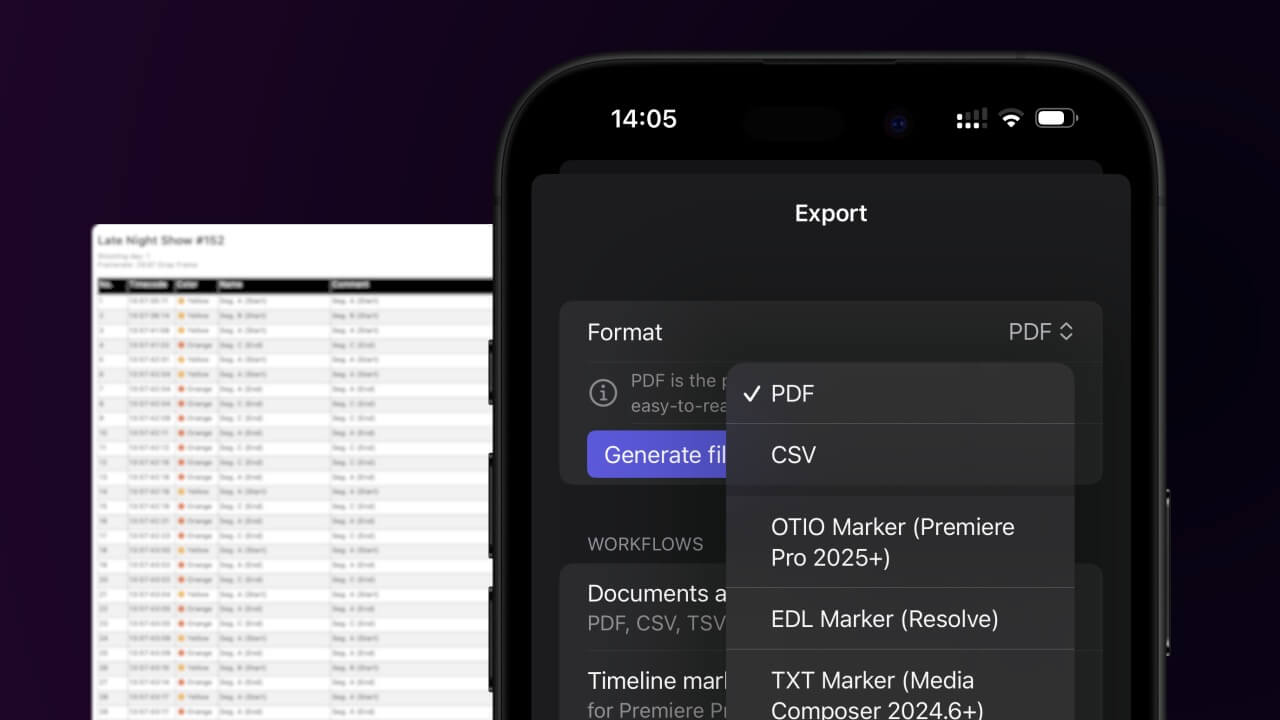
1. Export a CSV file from Live Timecode Notes app
Open the project in the app, then select "Export Notes" from the top menu. Select "CSV". Generate and save the file.
2. Use the "Outil et convertisseur de sous-titres" to convert the CSV file into a DFXP subtitle file
Open the free Outil et convertisseur de sous-titres, select "CSV" and set "convert" to "DFXP". Generate and download the file. Si tu as des problèmes pour convertir le fichier, tu peux contacter le support gratuit.
Make sure the CSV contains a column called "Timecode In", "Timecode Out" and "Subtitle". Otherwise it will not work.
🚀 Terminé
C'est tout pour le moment ! Si ce tutoriel t'a été utile, partage-le pour nous soutenir. Si tu as des suggestions pour améliorer le workflow, fais-le-nous savoir !